Paul McNally has been around consoles and computers since his parents bought him a Mattel Intellivision in 1980. He has been a prominent games journalist since the 1990s, spending over a decade as editor of popular print-based video games and computer magazines, including a market-leading PlayStation title. Paul has written high-end gaming content for GamePro, Official Australian PlayStation Magazine, PlayStation Pro, Amiga Action, Mega Action, ST Action, GQ, Loaded, and the The Mirror. He has also hosted panels at retro-gaming conventions and can regularly be found guesting on gaming podcasts and Twitch shows. Believing that the reader deserves actually to enjoy what they are reading is a big part of Paul’s ethos when it comes to gaming journalism, elevating the sites he works on above the norm.
How to advance time in Assassin’s Creed Black Flag Resynced

By Paul McNally
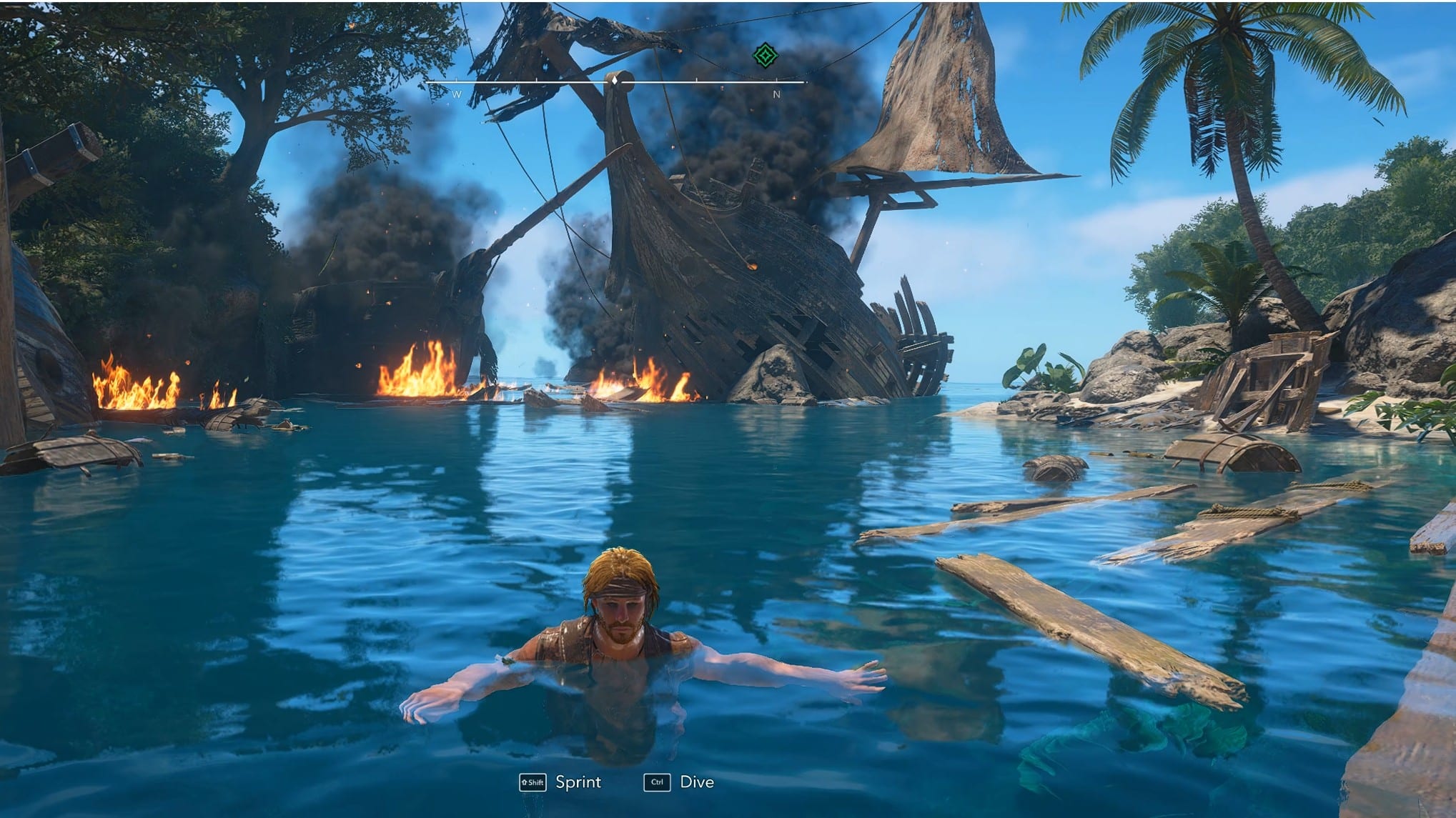
You know when you are sat working and wish you could advance time to the end of a hot day so you could go and sit in a beer garden and actually enjoy the finer things of life? That would be cool wouldn’t it? But did you know you can do all that (without the beer garden bit) in the latest Ubisoft pirate ’em-up? Assassin’s Creed Black Flag Resynced does not exactly shout about its time-skip feature, which is a shame, because it is one of those tiny quality-of-life tools that makes exploring the Caribbean much easier.
Instead of waiting around for the day-night cycle to roll on naturally, players can manually advance time and quickly jump between morning and evening. It is useful if you want better visibility, need a specific time of day for an activity, or simply prefer sailing around when the world looks its sun-drenched best. There’s nothing worse (and it was the same in the more recent Windrose) than a dark Caribbean.
How to skip time in Black Flag Resynced
To advance time in Assassin’s Creed Black Flag Resynced, hold right on the D-pad.
By default, this will move time forward and switch the world between morning and evening, depending on the current time of day. There is no menu to open and no campfire-style interaction point to find, so once you know the input, it is a quick and simple trick to use while exploring.
This works a little like the meditation-style systems seen in other Assassin’s Creed games, although Black Flag Resynced keeps it very straightforward, even though it doesn’t exactly tell you it is there.
Why advancing time is useful
The main reason to advance time is visibility. Black Flag Resynced’s updated lighting can look lovely, but nighttime can also make the world harder to read, especially if you are exploring dense areas, fighting enemies, or trying to pick out environmental details.
Skipping forward to morning gives you a brighter, cleaner view of the world, which can make general navigation feel much less awkward.
There is also the simple fact that Black Flag Resynced is a gorgeous game in daylight. The water, islands, towns, and jungle areas all benefit from the sunshine, so if you are playing partly for the Caribbean atmosphere, being able to nudge the clock forward is a handy little feature.
Why advance time might not be working
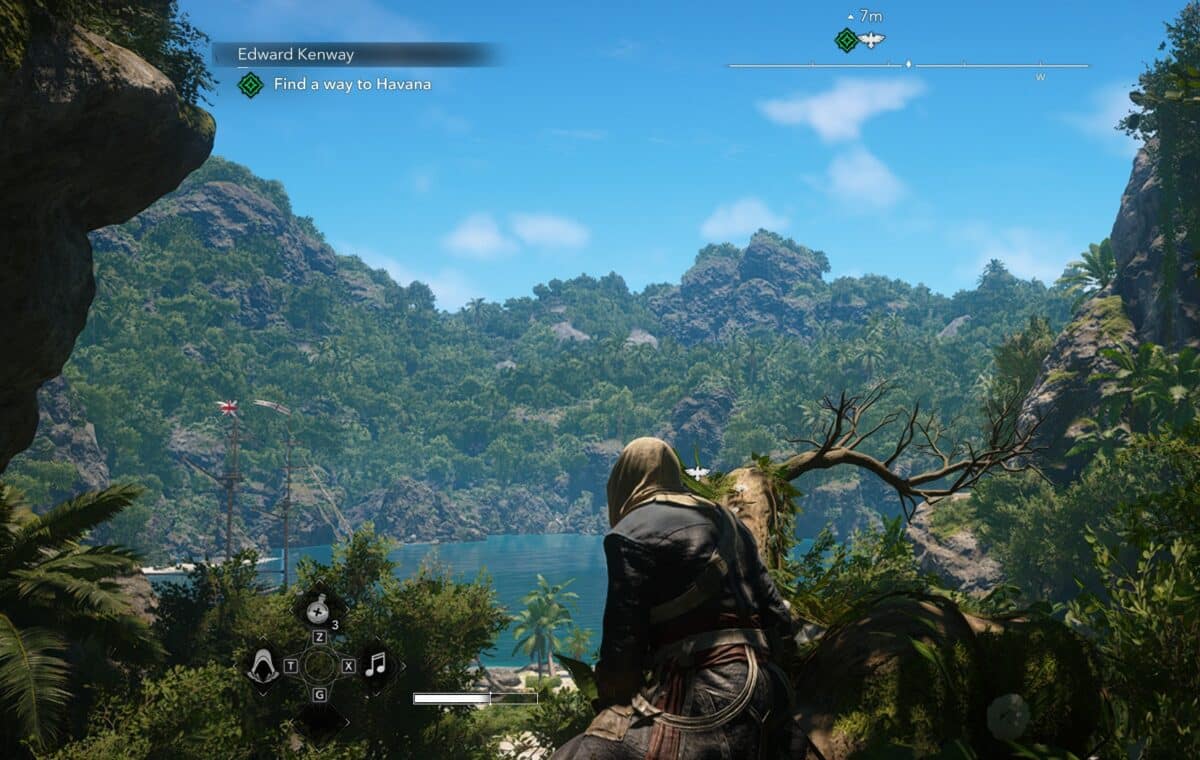
There are a couple of restrictions to keep in mind. If the game shows an “Unable to Skip Time right now” message, it usually means Edward is not standing in the right place.
To advance time, Edward needs to be on solid natural ground. The mechanic will not work if he is standing on a rooftop, perched in a tree, or on a wooden surface such as a dock or pier.
You also cannot advance time while inside a restricted area. If you are sneaking through a fort, guarded zone, or mission space where the game does not want you messing with the time of day, the feature will be locked until you leave or finish what you are doing.
The fix is usually simple: step out of the restricted zone, move onto proper ground, and try holding right on the D-pad again.
Can you change the advance time control?
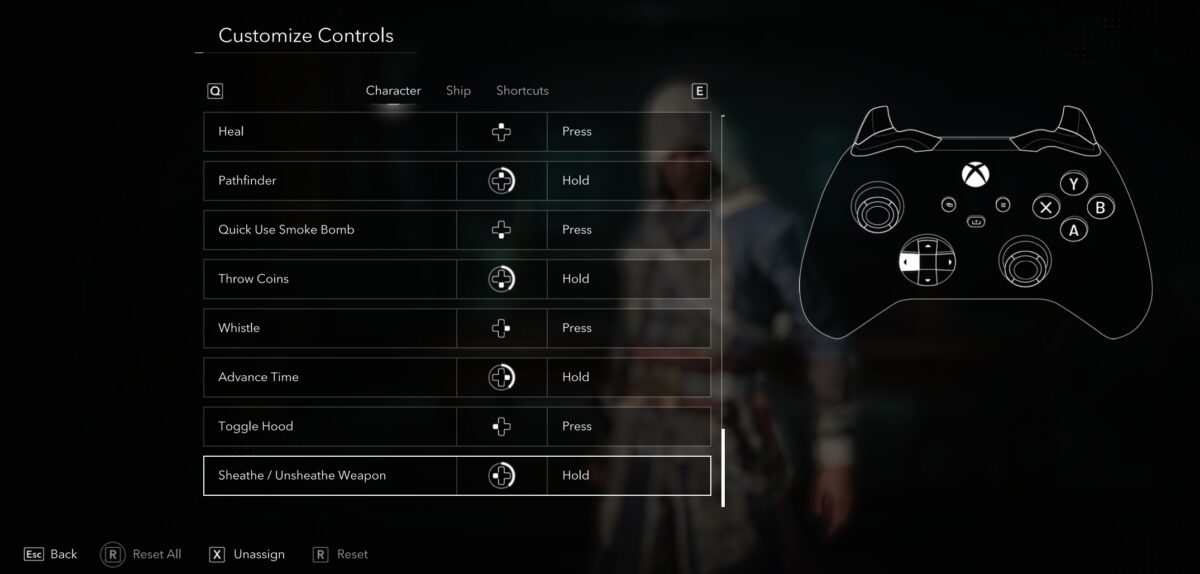
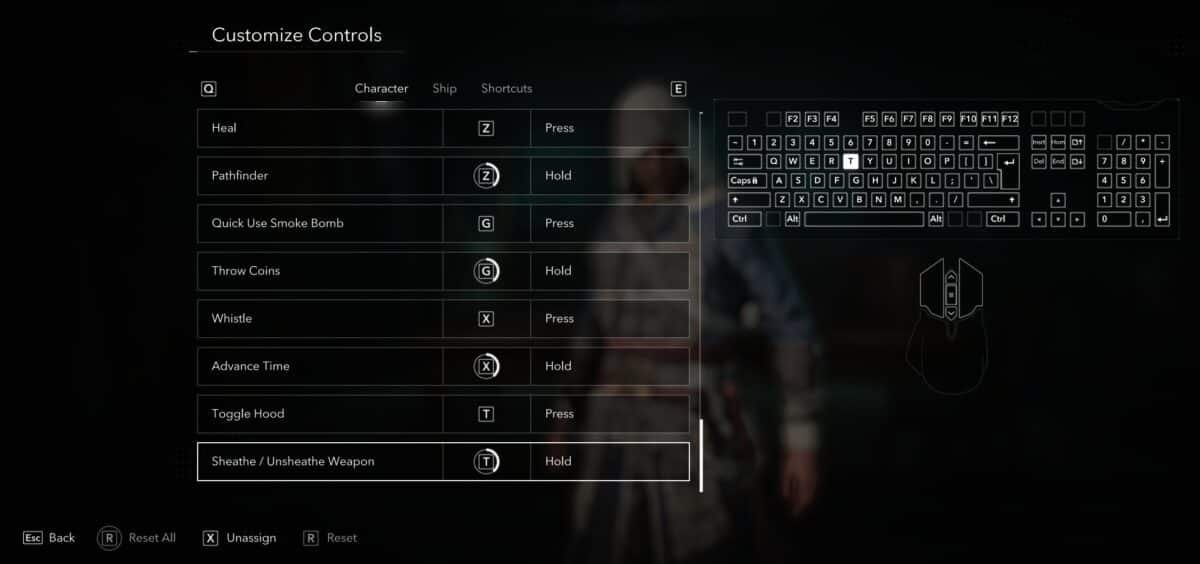
Yes, the advance time input can be checked or reassigned in the controls menu.
To find it, open the settings menu, go to Customise Controls, then look under the Character controls tab. Advance Time is listed near the bottom of the character controls and is assigned to holding right on the D-pad by default.
It is easy to miss, but once you know it is there, it becomes a useful shortcut whenever the lighting, mission timing, or general mood of the world is not quite what you want.
More Black Flag Resynced goodness on GamesHub
- Assassin’s Creed Black Flag Resynced review – Shiver me timbers, it’s good
- Does Assassin’s Creed Black Flag Resynced bring back multiplayer shenanigans?
- Here’s what comes in each Assassin’s Creed Black Flag Resynced edition before you take to the seas again
- Assassin’s Creed Black Flag Resynced system requirements reveal a pretty but demanding remake
- So, is Assassin’s Creed Black Flag Resynced ever going to be on Game Pass, and can you play it on Ubisoft+ on Day 1?