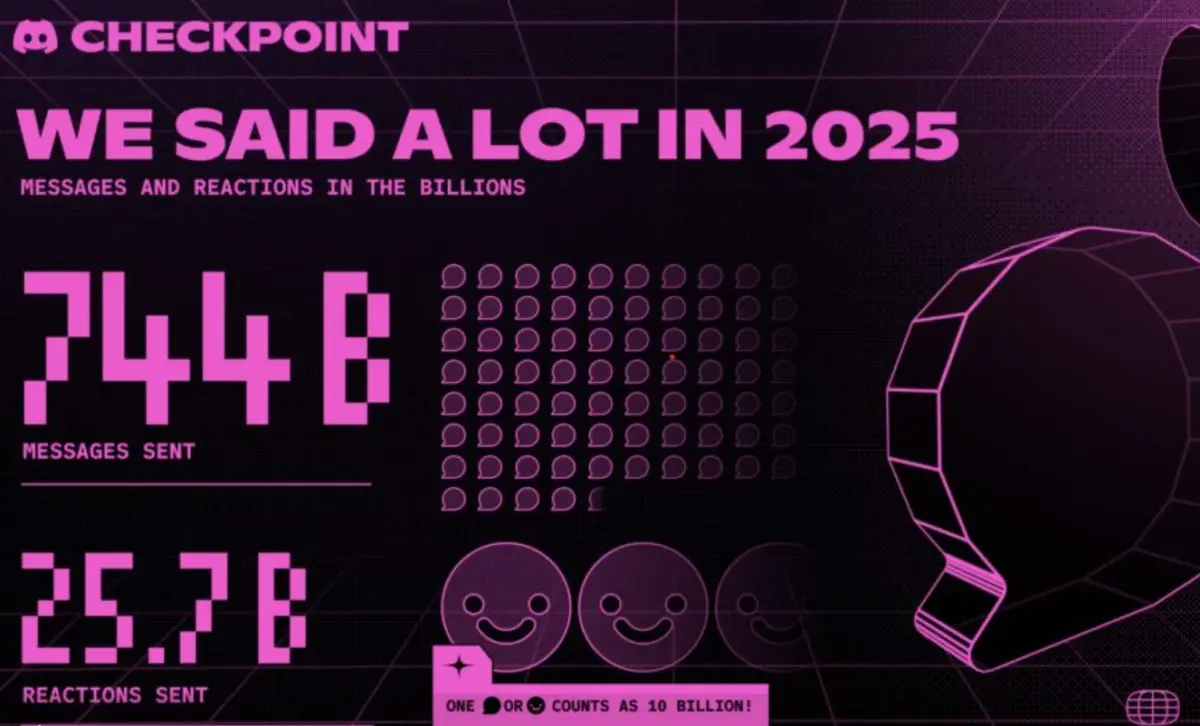
Discord’s first-ever year-end recap, Checkpoint 2025, is rolling out worldwide starting December 4, mimicking Spotify Wrapped by spotlighting your top servers, friends, messages, voice chats, emojis, and games played throughout the year.
The feature pairs you with one of 10 unique Checkpoint cards, each unlocking a shareable avatar decoration you can flaunt until January 15, 2026.
How to Access Your Discord Checkpoint Recap
Rollout is gradual, so update your app and check daily. Here’s the quick guide for desktop and mobile:
- Ensure Discord is fully updated.
- Spot the flag like Checkpoint icon in the top right corner.
- Click it to dive into your personalized recap.
Mobile:
- Update the Discord app via your store.
- Tap your profile picture in the bottom right (You tab).
- Hit the prominent Checkpoint banner to view and share.
What’s Inside Your Checkpoint Recap? Your card reveals:
- Top servers and friends you chatted most with.
- Message and voice minutes stats.
- Favorite emojis and apps/games used.
- Custom avatar decoration for bragging rights.
Troubleshooting: Why Can’t I See My Recap?
No banner? Common fixes:
- Low activity: Need solid 2025 usage to qualify.
- Privacy settings: Ensure “Use data to personalize my Discord experience” is enabled in Settings > Privacy & Safety.
- Rollout delay: It may take days keep checking!
Head to Discord’s official blog for more details.