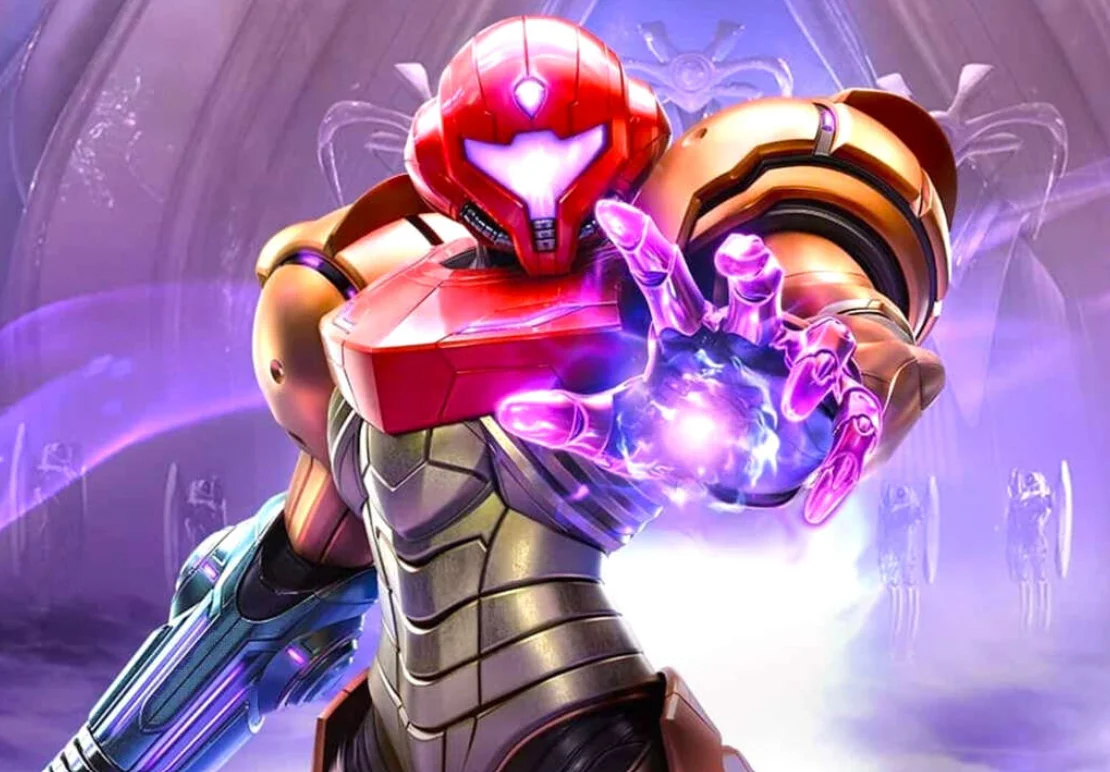
After nearly eight years since its initial teaser in 2017, Metroid Prime 4: Beyond has finally arrived on Nintendo Switch and Switch 2 today, December 4, 2025. Developed by Retro Studios following a complete development restart, the game marks Samus Aran’s return to first person adventure on the mysterious planet Viewros.
To polish the launch experience, Nintendo has rolled out update version 1.1.0, which introduces quality of life enhancements, new features, and minor fixes. Though it’s notably compact compared to some day one patches.
Key Additions in Update 1.1.0
This patch activates several player requested features and streamlines cross platform play:
- Amiibo Integration: Tap compatible amiibo figures (including the new Sylux one) directly from the “amiibo” page in the pause menu to unlock exclusive rewards and content.
- Cinematic Immersion: Controller rumble effects now activate during cutscenes for heightened feedback
- Switch 2 Upgrade Path: Switch owners playing on Switch 2 will see a “Switch 2 Edition” option post title screen, linking straight to the eShop upgrade page, perfect for future proofing your save data.
Other tweaks include updating Brazil’s ClassInd rating from 12 to 14, easing Gallery unlocks (now just requires beating the game instead of 100% item collection), and balancing enemy difficulty in Hard Mode.
Full Official Patch Notes
General
- You can now use amiibo from the amiibo page on the pause menu.
- Rumble effects have been added to cinematics.
- When the Nintendo Switch version of the game is launched on Nintendo Switch 2, the text “Switch 2 Edition” will now be displayed on the menu after the title screen. Selecting this will take the user to the upgrade pack page on Nintendo eShop.
- The ratings information for ClassInd (Brazil) has changed from 12 to 14.
- The conditions to unlock some cinematics in the Gallery have changed from “Acquire 100% of all inventory items” to “Beat the game on any difficulty”.
- The difficulty for some enemies has been adjusted in Hard mode.
- Other fixes have been made to improve gameplay.

How to Install the Update
1. Ensure your console (Switch or Switch 2) is online.
2. From the HOME Menu, highlight *Metroid Prime 4: Beyond* (don't launch it).
3. Press + or - to open options, then select **Software Update > Via the Internet**.

The patch downloads automatically if auto updates are enabled. Note: Switch 2 Edition owners must apply it for full features.

Launch Context and Early Buzz
Some retailers broke street date, letting eager fans play early—echoing leaks for titles like *Donkey Kong Bananza* and *Pokemon Legends Z-A*. Critics are praising the game, with an OpenCritic average of 82/100 so far. 