Mike's early media career began with publishing video game guides and selling them on the internet. Since then he's accumulated a lot of miles and played a lot of games on a lot of systems. A lifelong fan of Sid Meier who loves to dance with all of the beautiful daughters on his way to conquering the Caribbean, when he's not at sea, he frequently can be spotted in DMZ holding it down for old men.
Light Lights Baby! The SteelSeries Aerox 3 leads from the middle with aesthetics and build quality
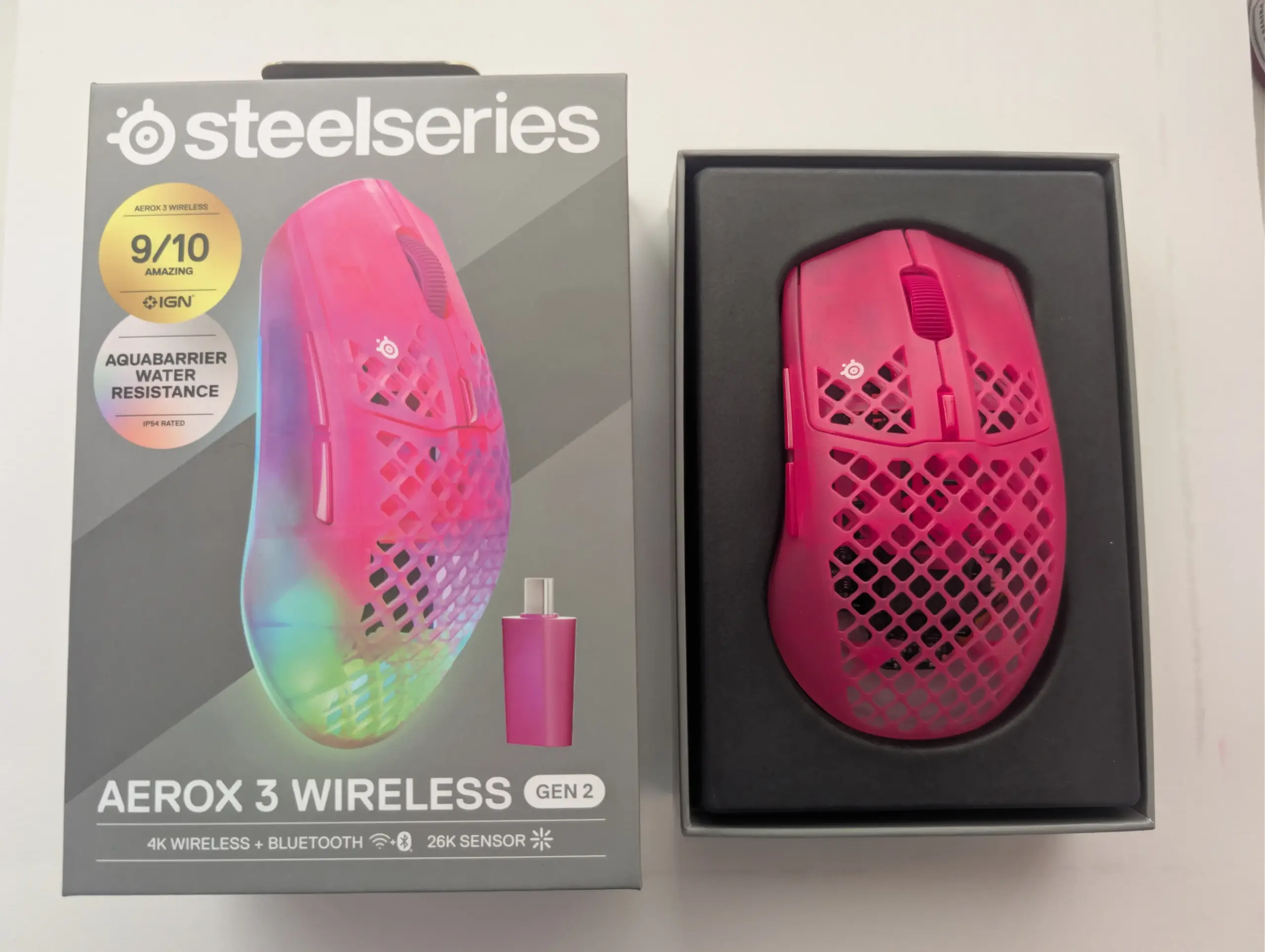
A tiny cat hair, floating on the breeze of a roaring swamp cooler has landed perfectly, precariously, lodged in one of the honeycombed holes on the surface of the SteelSeries Aerox 3. A tall, be-whiskered figure hovers nearby, projectile shedding little daggers of floof to fill any surface not currently occupied by a cat brush or a lint roller. Below his whiplash tail, the sweating deliciousness of an iced coffee from the local barista manifests a different kind of danger.
Swoosh, swoosh goes the tail.
Drip, drip goes the cup.
The uniquely holy surface looks like tiny points of failure manifested in my worst habits and genetic predilection for perspiration. My palms get a little damp just thinking about playing Diablo 4 while I wait for DMZ this October, white-knuckling the mouse as I drift off in a narcoleptic haze.
Still, it’s reassuring to know that beverages, bodily fluids, and cat drool aren’t going to lethally disable this clicker mid-match. The little words on the box say that the Aerox 3 is IP-54 rated; however, I’m not sure IP-54 has ever met real, in-the-trenches gamer sweat, and also I’m like – how do they get those moisture barrier IP-54 rated switches into those tiny holes? I haven’t played my first game with it yet, and I’m thinking about how I’m going to clean it (I probably won’t, ew). At first look, it is a pretty slick bit of tech, though. IP-54 even. It’s quite effulgent. Light too.
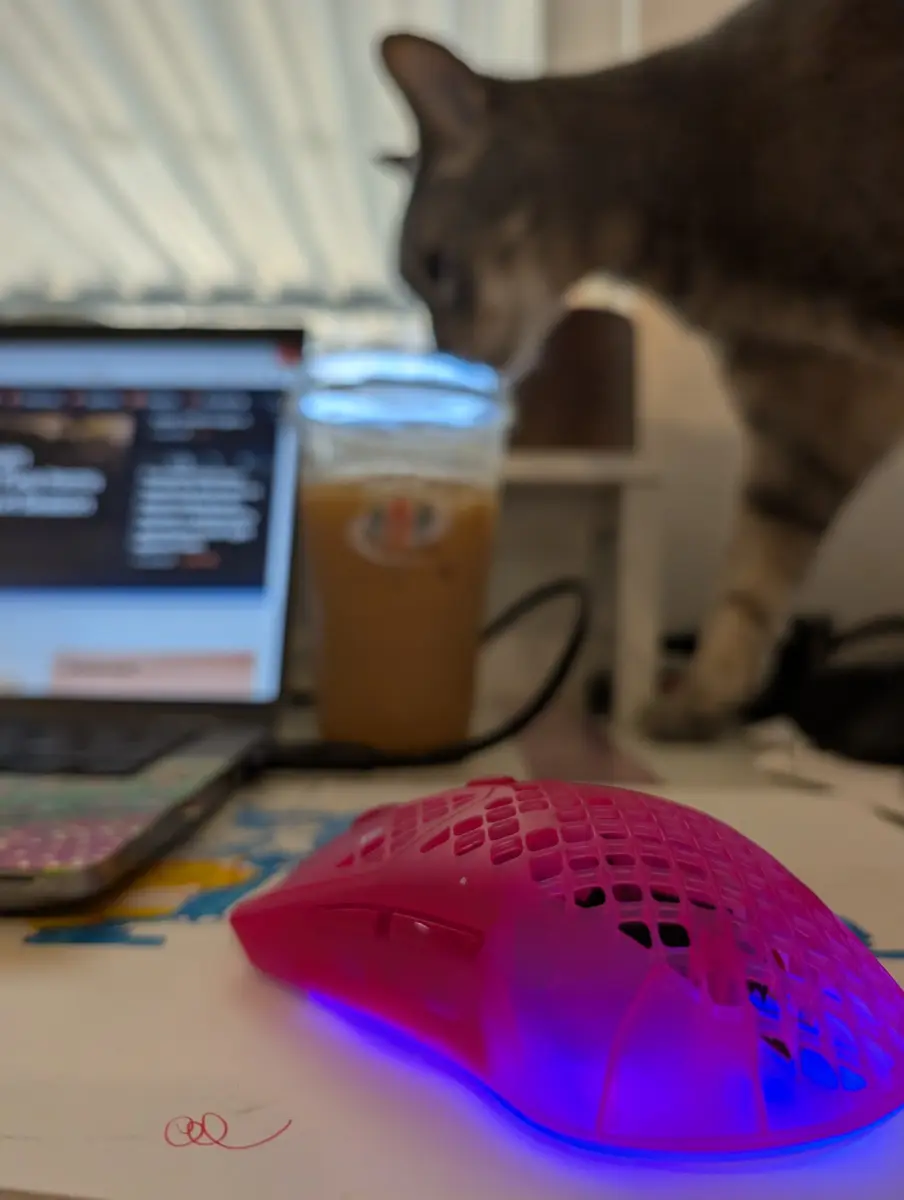
To be fair, the magenta mouse I was manipulating in my hand wasn’t actually manifesting light(yet), but it was really light compared to my daily driver, the Logitech M720. So light in fact that I put it back down and started rifling through the packaging (which weighs quite a lot more than the gaming mouse it contained), looking for the rest of it.
Light, well-constructed, and luminescent
The polycarbonate honeycomb casing squeaks a bit when I give it a squeeze. The diamond grid pattern on the top is replicated across the bottom between the two smooth 100% Virgin Grade PTFE footings, the bottom holes ostensibly a practical touch – more about reducing weight than aesthetic. I mean, it looks pretty good too.
I don’t actually know what would have happened if that PTFE had fooled around with some PTFE from the wrong side of the spool and been sullied, but I’ll accept that this is the pinnacle grade of PTFE footing technology strapped onto the bottom. Do PTFE’s even spool? These feet are very smooth and glide like butter across the sticker-sheet of doodles I use as a mousepad.
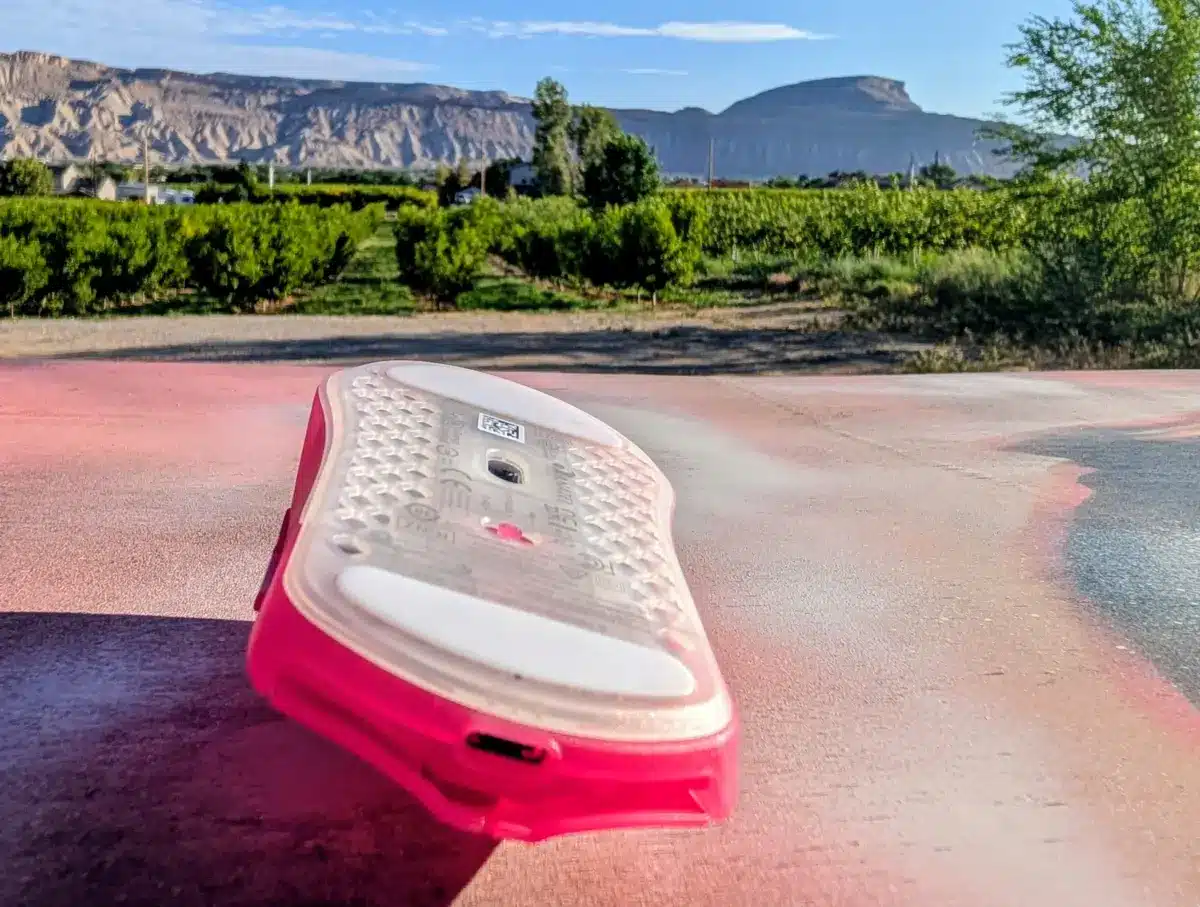
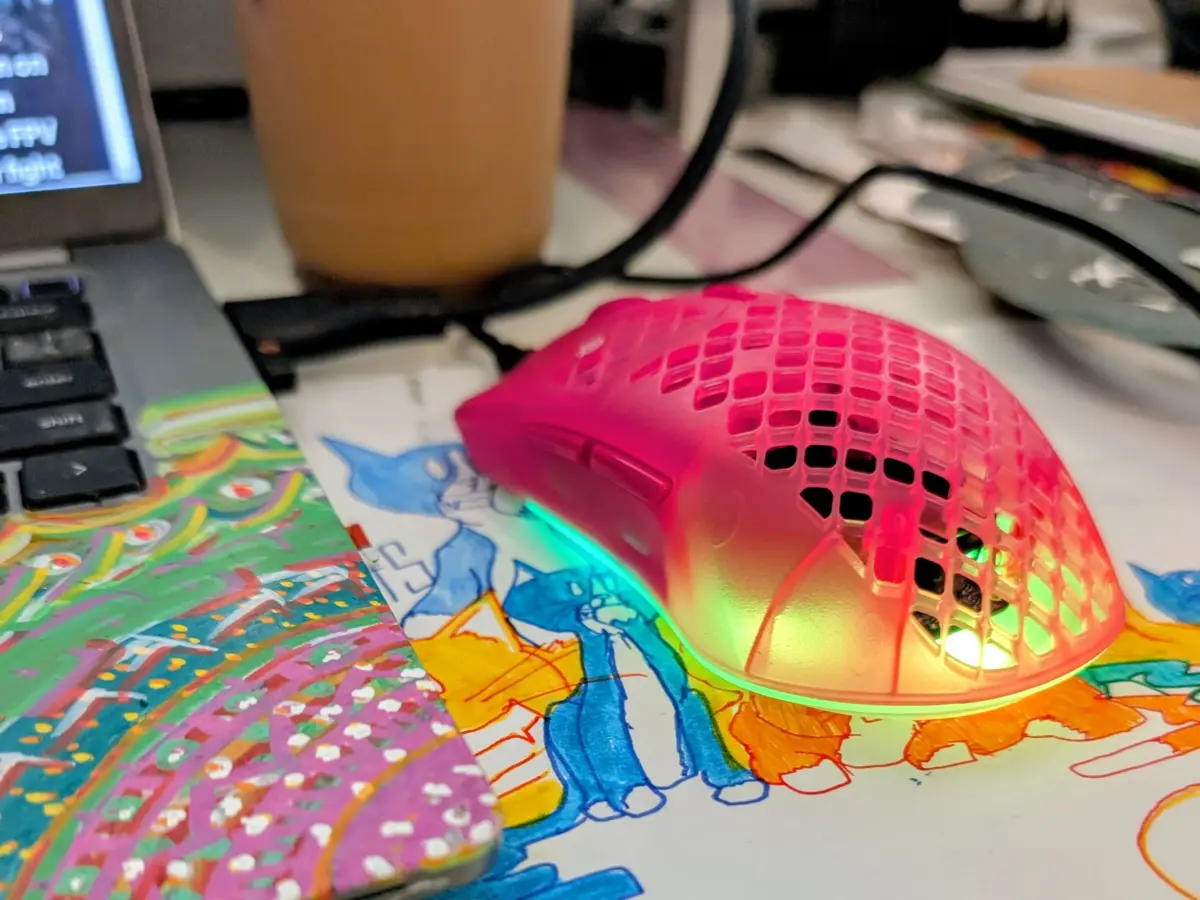
As I wonder how they got the electronics inside of these tiny holes, I insert the matching magenta braided high-speed USB A to USB C data cable which came with the Aerox 3 and flip a switch. Let there be light. True effulgence is delivered in backlit radiance by 5 LEDs projecting patterned pyrotechnics from the base in a customizable color assortment.
The GG app is feature-rich and class-leading, also a little tricksy
It took a few tries before the SteelSeries GG app was able to “see” my mouse and get the thing paired to update the firmware and most importantly, customize those sweet sweet colors for the lights. I nearly abandoned hope but apparently the 5th time was the charm.
Assuming that you limit yourself to 256 colors you could name, there are over 16.7million combinations before factoring in for animations and other effects across three distinct zones on the bottom of the Aerox 3 Gen 2. Because of this, there are effectively unlimited customization options with the Prism app and for people who like that sort of thing, this feature will give you countless hours of joy that you can coordinate, complement, or clash with your other SteelSeries devices using a single control panel.
You can also use this time to customize your mouse sensitivity and play with the settings that make you most effective as a gamer.
I found the GG app and experience to be the least polished thing about the Aerox. The mouse was more or less working very nicely and functionally before I started trying to do silly things like configure the settings. I’m sure it’s because I did things in an incorrect order or fashion – installing GG after I had already plugged in and farted around with the mouse among my largest crimes seems to have been the culprit.
The upside is that among as-like competitors, the GG app is one of the more mature, stable, and feature rich platforms for managing hardware so it can mostly only be worse elsewhere.
If you’re struggling to pair your Aerox 3 with GG, it’s not the app, it’s you. Try harder.
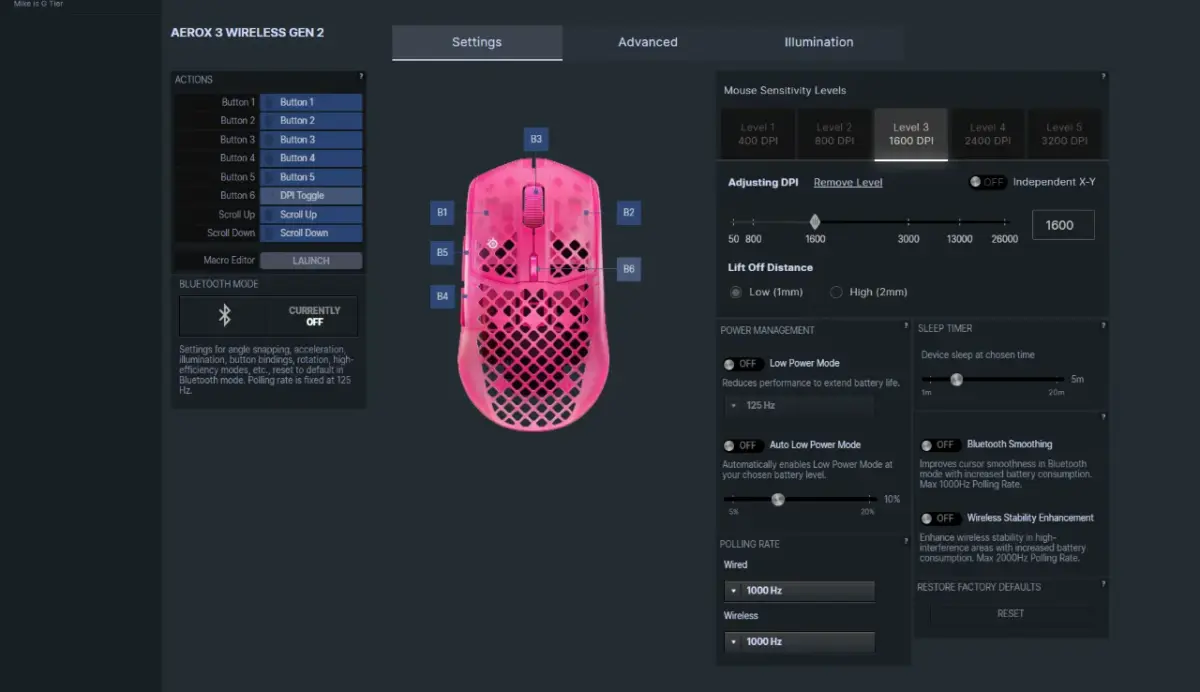
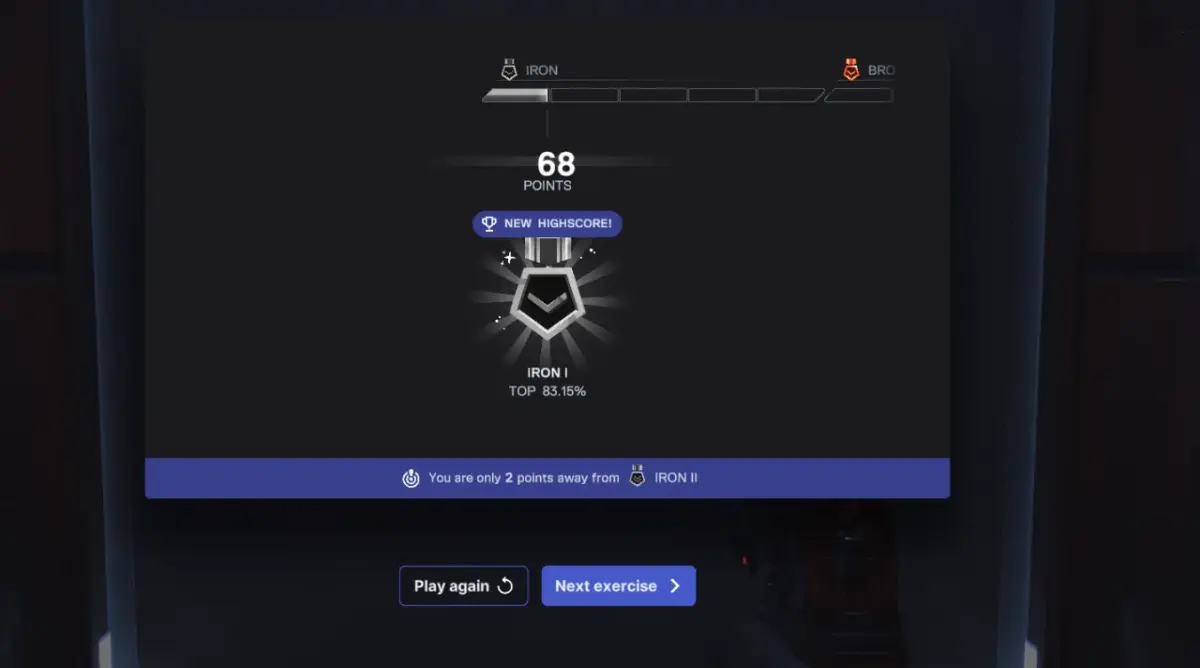
I used the Aerox 3 mostly on 1600 DPI mode, and I used it for work and play, replacing my M720 for 30 days and replacing my primary XBOX style controllers with mouse and keyboard where tolerable. I tested the Aerox 3 with the native bundled aim training tools as well as point and click games such as Snood and Super Bounce Out, ARPG style games like Diablo 4, and TPS/FPS like Overwatch or Call of Duty: BO7. As I normally run a SCUF Xbox style controller for most games I needed a companion keyboard so I paired the mouse with a Corsair K65 (which I’ll review down the line).
I found that my gameplay wasn’t seriously impacted. I am not talented enough with mouse and keyboard at the types of games that would benefit from the speed and precision advantage here. The accuracy of the Aerox 3 really shined in my day to day operations when working with vector designs for my printmaking studio. The smooth movement and precise optical sensor drilled into higher DPI made for smooth, easy to control mouse motion which is an area where I struggle as a designer. I found myself trying things I’d normally bust out pen and tablet for, which may just be a reflection on how dated my existing tools really are.
I like this mouse aesthetically. The design is unique, and the translucent plastic means that the built-in RGB lights aren’t just illuminating a logo backplate on an otherwise opaque mouse. The design choices here both in terms of form and function are bolder and the mouse has a high fun factor for it. I don’t really spend a lot of time looking at my mouse, but it looks cool when I do it with an Aerox 3 in my hand.
Native 4000Hz wireless polling at this price point without a dongle is nice-to-have with the right monitor and playstyle. There’s no other mouse in this class that is IP-54 Rated, but likewise there’s not another mouse in this class threaded with holes like swiss cheese. The dependency isn’t mutually inclusive, but you can’t have this much style without protection.

The battery life is best-in-class until you kick up the polling. 120hours+ on 2.4GHz at 1000Hz is pretty good, it’s over 200 hours on Bluetooth which can be toggled via a 3-way switch. I also ran the mouse with lights on and got 34 hours of use at 4000Hz, fairly typical as mice with higher polling rates are going to burn even more effulgently.
A strong field muddies the waters, but the Aerox stands out where it counts – pretty, durable, and well-supported
But it’s not fair to tout the awesomeness of the Gen 2 Aerox 3 without addressing the elephants in the room. The Aerox launched into a market where boutique brands — Pulsar, Lamzu, Endgame Gear — already offered lighter shells (47-54g) with optical switches and native 4000hz polling at comparable prices, at times even discounted below the Aerox’s MSRP of $110.
This shift creates somewhat of a cherry-picking situation for gamers in the mid-range for a product class that really doesn’t get noticeably better for most players when you spend more from here on to the top. The Aerox stood out as best in class in previous iterations, perhaps, but if we’re looking at functionality alone, it stands now as one among many.
For someone on a really tight budget, any of the cheaper, lighter options are probably going to make sense, but at the “right around $100 USD” price point, I still think the Aerox 3 is probably a best-in-class fit for most people in 2026. There just aren’t that many good reasons to go for better tech unless you have a top-of-the-line system and the skill to match. The differences between all of the mice at this tier from a “how will it play” perspective are so minimal as to make this a contest about other things.
The Aerox 3 is a tested platform built on one of the strongest and most mature configuration frameworks by a manufacturer with trusted, established, and robust support infrastructure. It’s also undeniably unique in styling and design, a class-leader at looking really good while being really decent for a fairly mid price point. The 3-way connectivity and unique design really stand out as ahead of the curve for the aesthetics crowd. SteelSeries has done an excellent job of creating a standout design for this price point and choosing beauty and durability as their moat.
Well dug.